Module 9: AKS Storage with Azure Files
Prerequisite
You may need to register the Microsoft.Storage provider. I did on my fresh subscription for some reason.
Azure Files Introduction
Azure Files is a fully managed file share in the cloud that can be accessed via the SMB protocol. It allows you to create file shares that can be mounted by multiple virtual machines or containers simultaneously, making it ideal for scenarios where you need shared storage across multiple instances. SMB 3.0 and HTTPS - High performance Note: We can use Powershell cmdlets and the Azure CLI to create and manage Azure Files shares.
Inside the Azure Files, we will create our Storage Class, Volumes, mounts and persistent volumes and the PVCs.
The users connect to the Load Balancer Service, that connects to one of the many pods. The many pods can connect to ONE storage account and ONE File Share. That is the advantage here.
- A custom Storage Class uses the Azure Files service, so we get Standard_LRS, Premium_LRS, ZRS, GRS, RA-GRS, etc.
- AKS Defined is only Standard_LRS and Premium_LRS
Stage the kube manifests
- Create a new directory called
storagev1 - Create 4 files, the storageclass.yml, the pvc.yml, the nginxdeployment.yml and the nginxservice.yml
# Storage Class
kind: StorageClass
apiVersion: storage.k8s.io/v1
metadata:
  name: dupos-azurefile-sc
provisioner: kubernetes.io/azure-file
mountOptions:
  - dir_mode=0777
  - file_mode=0777
  - uid=0
  - gid=0
  - mfsymlinks
  - cache=strict
parameters:
  skuName: Standard_LRS
# Persistent Volume Claim
apiVersion: v1
kind: PersistentVolumeClaim
metadata:
  name: dupos-azurefile-pvc
spec:
  accessModes:
    - ReadWriteMany
  storageClassName: dupos-azurefile-sc
  resources:
    requests:
      storage: 5Gi
# NGINX Deployment
apiVersion: apps/v1
kind: Deployment
metadata:
  name: azure-files-nginx-deployment
  labels:
    app: azure-files-nginx-app
spec:
  replicas: 4
  selector:
    matchLabels:
      app: azure-files-nginx-app
  template:
    metadata:
      labels:
        app: azure-files-nginx-app
    spec:
      containers:
        - name: azure-files-nginx-app
          image: stacksimplify/kube-nginxapp1:1.0.0
          imagePullPolicy: Always
          ports:
            - containerPort: 80
          volumeMounts:
            - name: dupos-azurefile-volume
              mountPath: "/usr/share/nginx/html/app1"
      volumes:
        - name: dupos-azurefile-volume
          persistentVolumeClaim:
            claimName: dupos-azurefile-pvc
# NGINX Service
apiVersion: v1
kind: Service
metadata:
  name: azure-files-nginx-service
  labels:
    app: azure-files-nginx-app
spec:
  type: LoadBalancer
  selector:
    app: azure-files-nginx-app
  ports:
    - port: 80
      targetPort: 80
- Note that within the pod spec of the deployment, you define the container as well as the volume. you then attach the volume to the container using a volume mount.
- Run
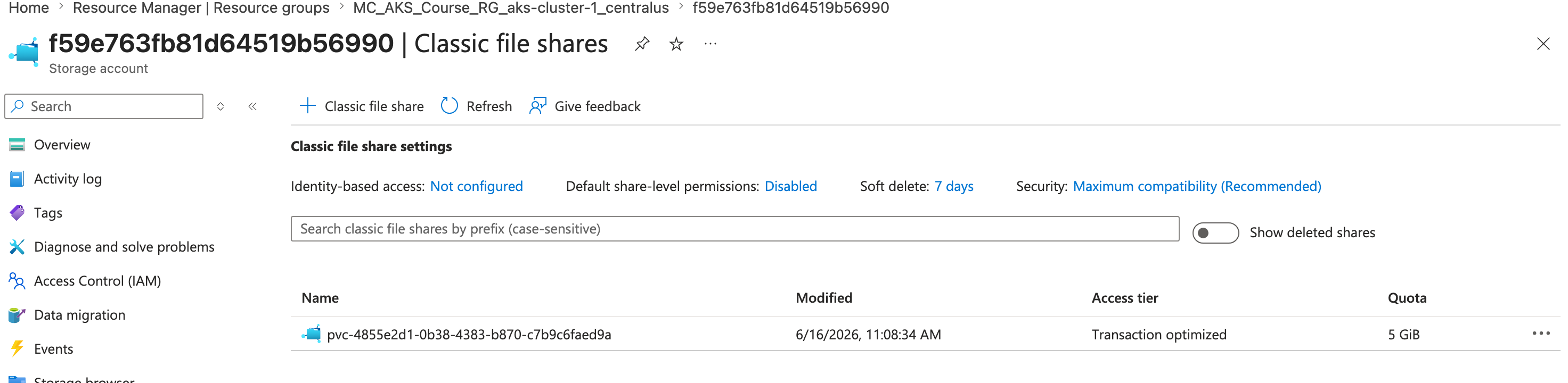
kubectl apply -f demo/to create this deployment - Browse Azure and look for the attached storage account and note the PVC for the file share is located in the MC_ resource group's newly created storage account
- Run
kubectl get pvcto view the persistent volume claims
- Run
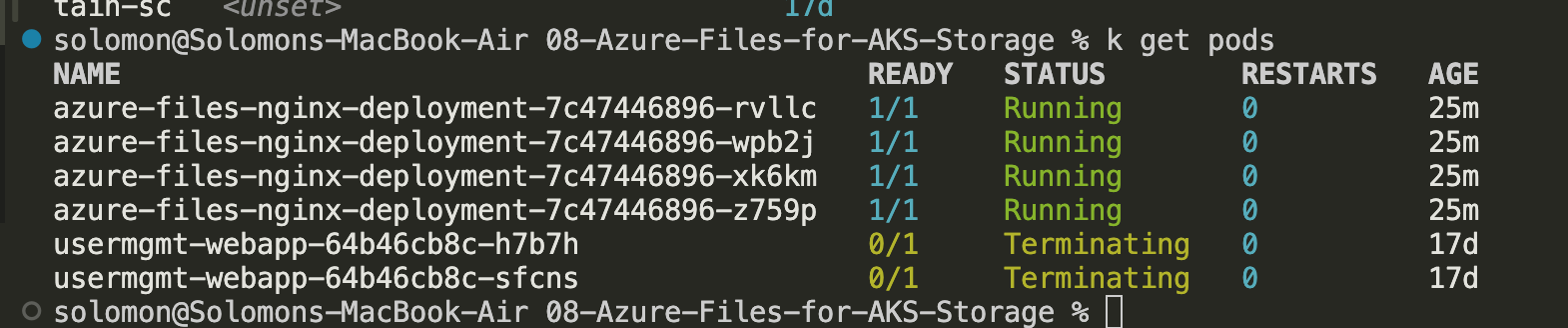
kubectl get podsto view the 4 that are listed in the replica - Run
kubectl get pvto get the perstistent volume.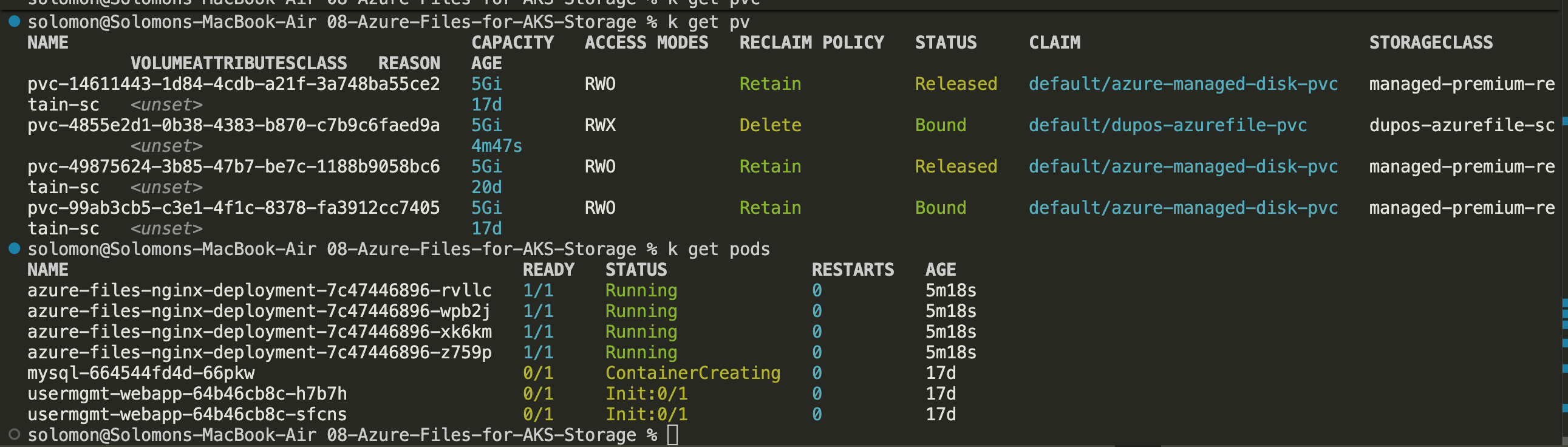
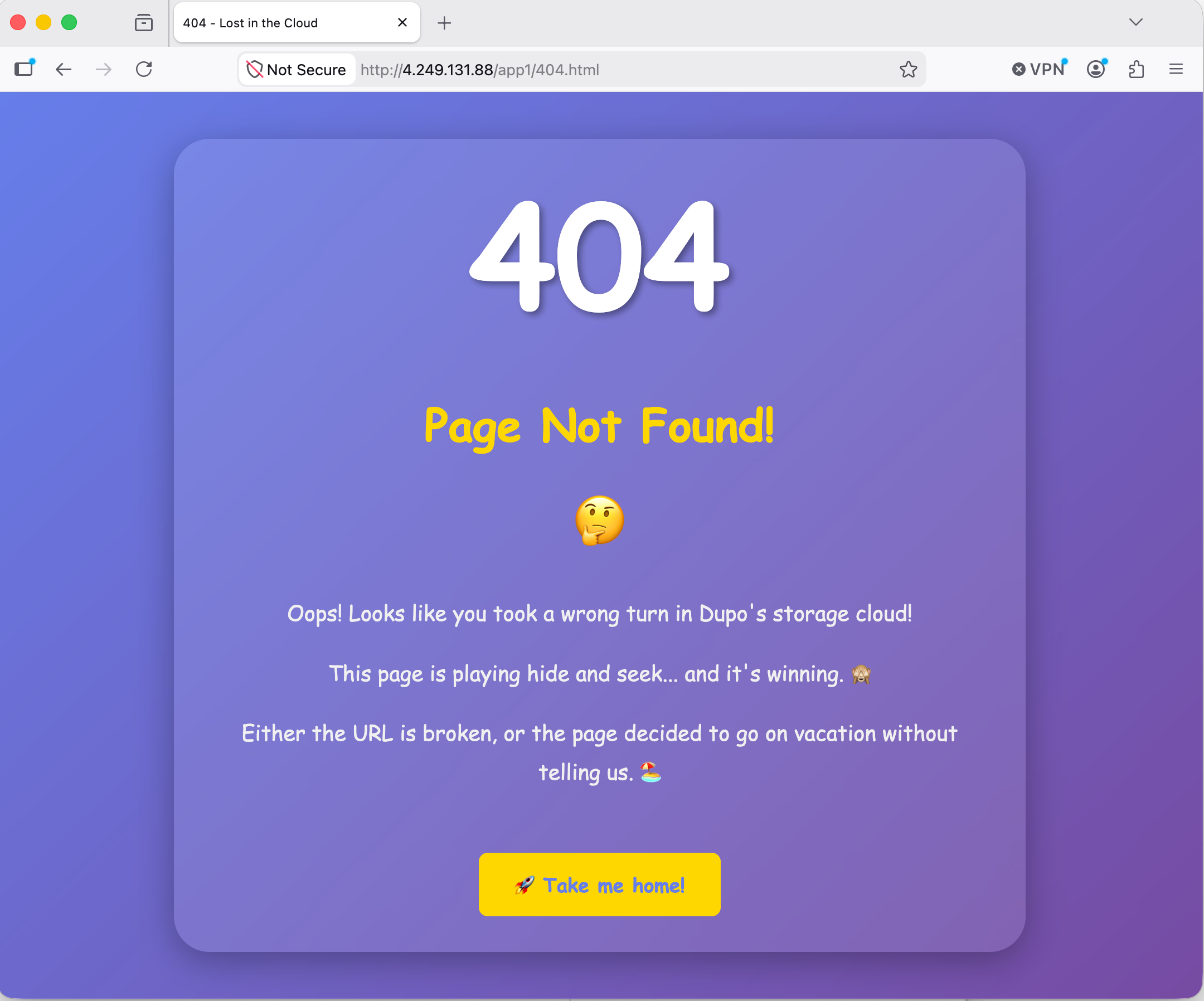
- Grab the IP from the services and navigate to http://ipaddress/app1/index.html and get your fun 404 error because we haven't uploaded any files to the share yet. If you go up a level and try to access app1, you get a 403 because you aren't allowed to list the directory contents.
Note: I still have some other things left over that I've cleaned up now.
- Create and upload an index.html file. Mine is listed below
- Navigate to the path again and it should load correctly this time.
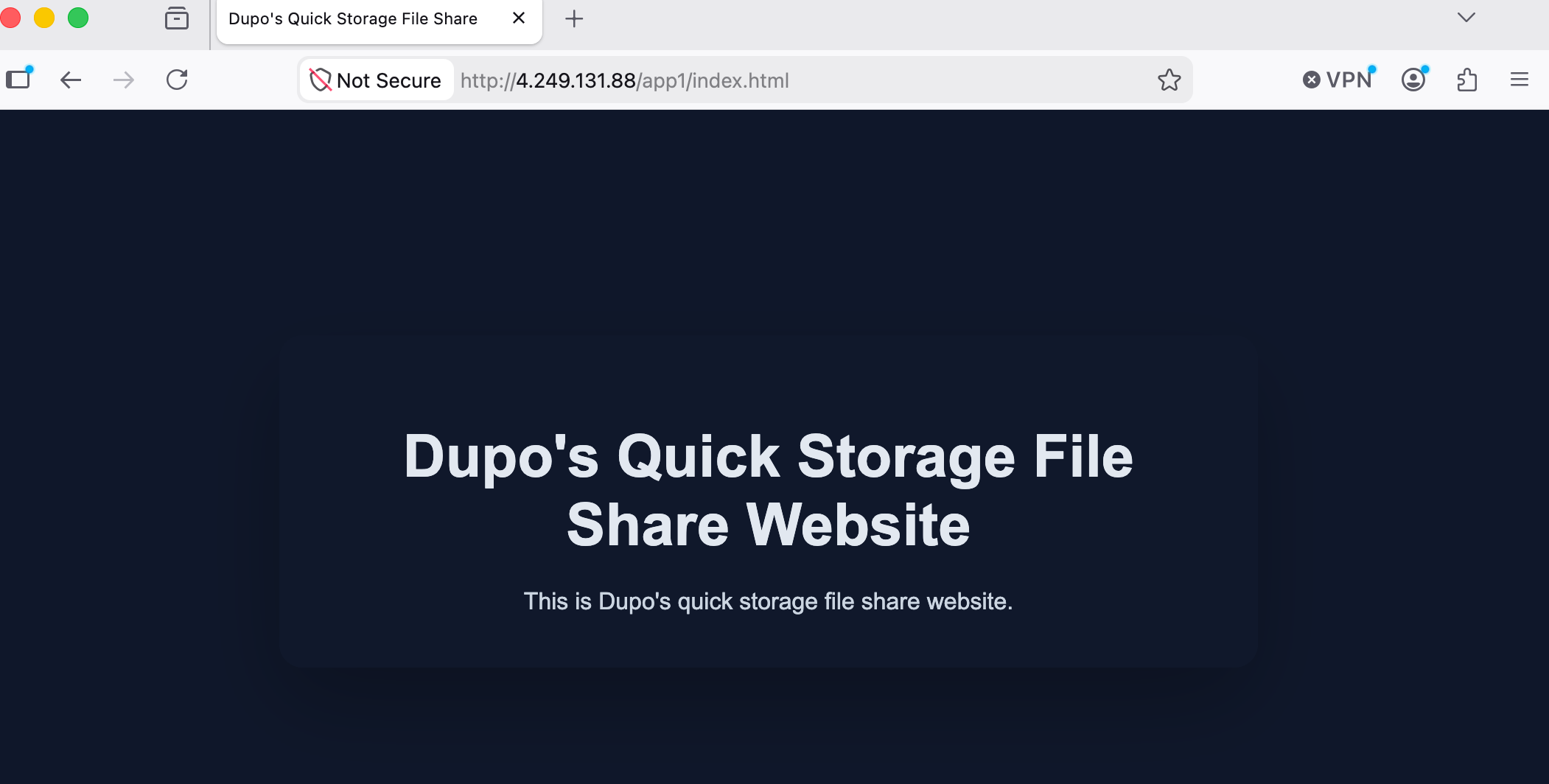
- I also uploaded a second 404.html file and was able to access that as well.
My index.html File:
<!DOCTYPE html>
<html lang="en">
  <head>
    <meta charset="UTF-8" />
    <meta name="viewport" content="width=device-width, initial-scale=1.0" />
    <title>Dupo's Quick Storage File Share</title>
    <style>
      body {
        margin: 0;
        font-family: Arial, sans-serif;
        display: flex;
        align-items: center;
        justify-content: center;
        min-height: 100vh;
        background: #0f172a;
        color: #e2e8f0;
        text-align: center;
      }
      .card {
        max-width: 600px;
        padding: 2rem;
        border-radius: 1rem;
        background: rgba(15, 23, 42, 0.9);
        box-shadow: 0 20px 60px rgba(0, 0, 0, 0.25);
      }
      h1 {
        margin-bottom: 1rem;
        font-size: 2.5rem;
      }
      p {
        margin: 0;
        color: #cbd5e1;
        line-height: 1.6;
      }
    </style>
  </head>
  <body>
    <div class="card">
      <h1>Dupo's Quick Storage File Share Website</h1>
      <p>This is Dupo's quick storage file share website.</p>
    </div>
  </body>
</html>
Clean up
- Run
kubectl delete -f demo/to delete all of the manifests. - This should wipe out the file share as well. Please verify.